
Shoptonio: better shopping lists

Seamlessly collaborate with your household to organize your lists, plan together, and save time on your next shopping run.

Your new shopping companion

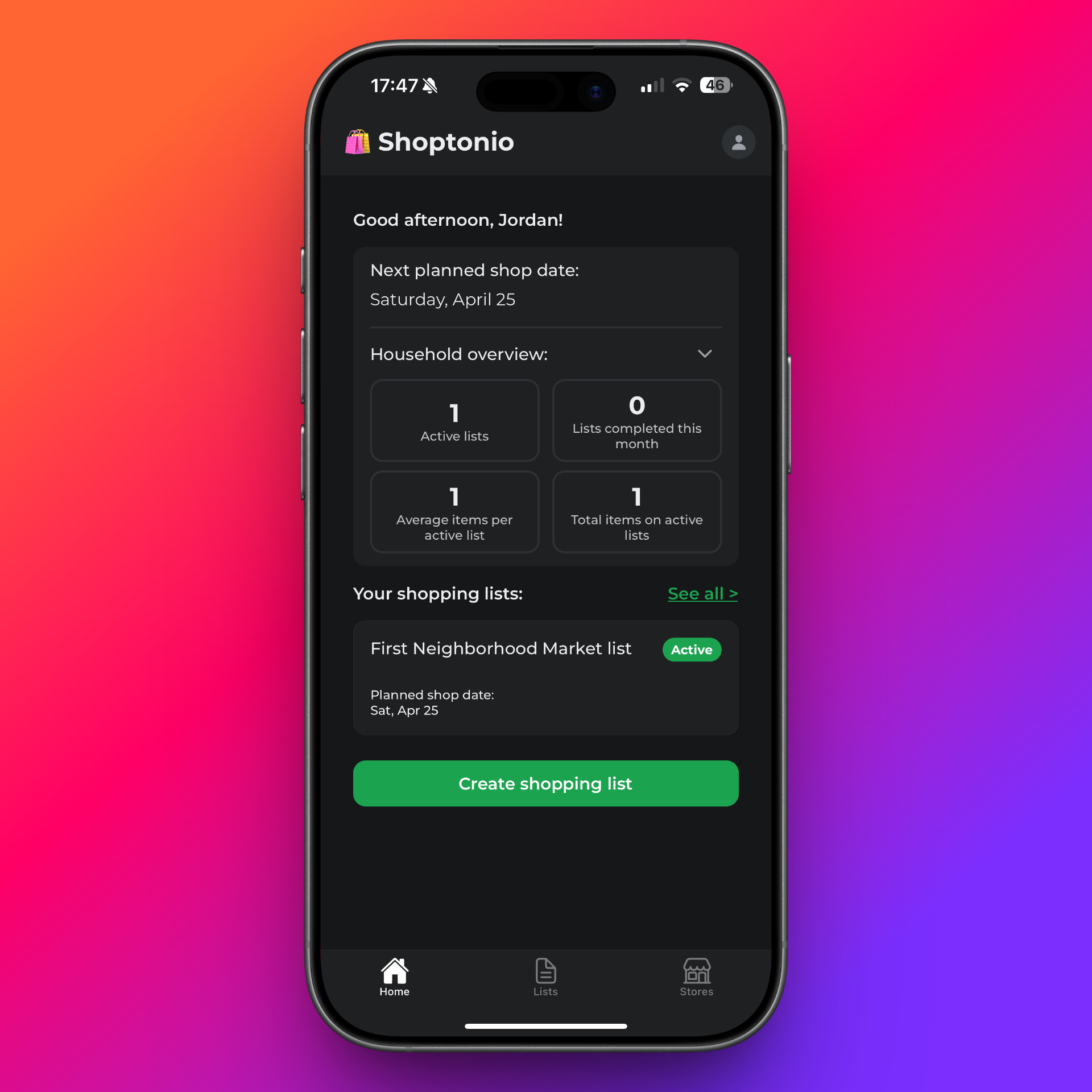
See your active lists and what’s still left to buy. Collaborate with your household in real time, so when someone adds an item or checks one off, everyone sees it.

Splitting errands or handing off the run? You’re all looking at the same lists: which store, what’s still open, and what’s already done.

Shoptonio home screen showing lists and trips

Build lists from what you already buy

Everything you add on past trips is remembered for that store, so your next list starts from what you already buy there—not from scratch.

Create a list for a specific store, then pull from items you’ve added before—repeat staples are one tap away.

  • Saved per store — suggestions lean on that store and your history—not a generic catalog.
  • Easy quantities — bump counts when you need more than one.
  • Less typing, fewer misses — reuse names and picks your household already trusts.
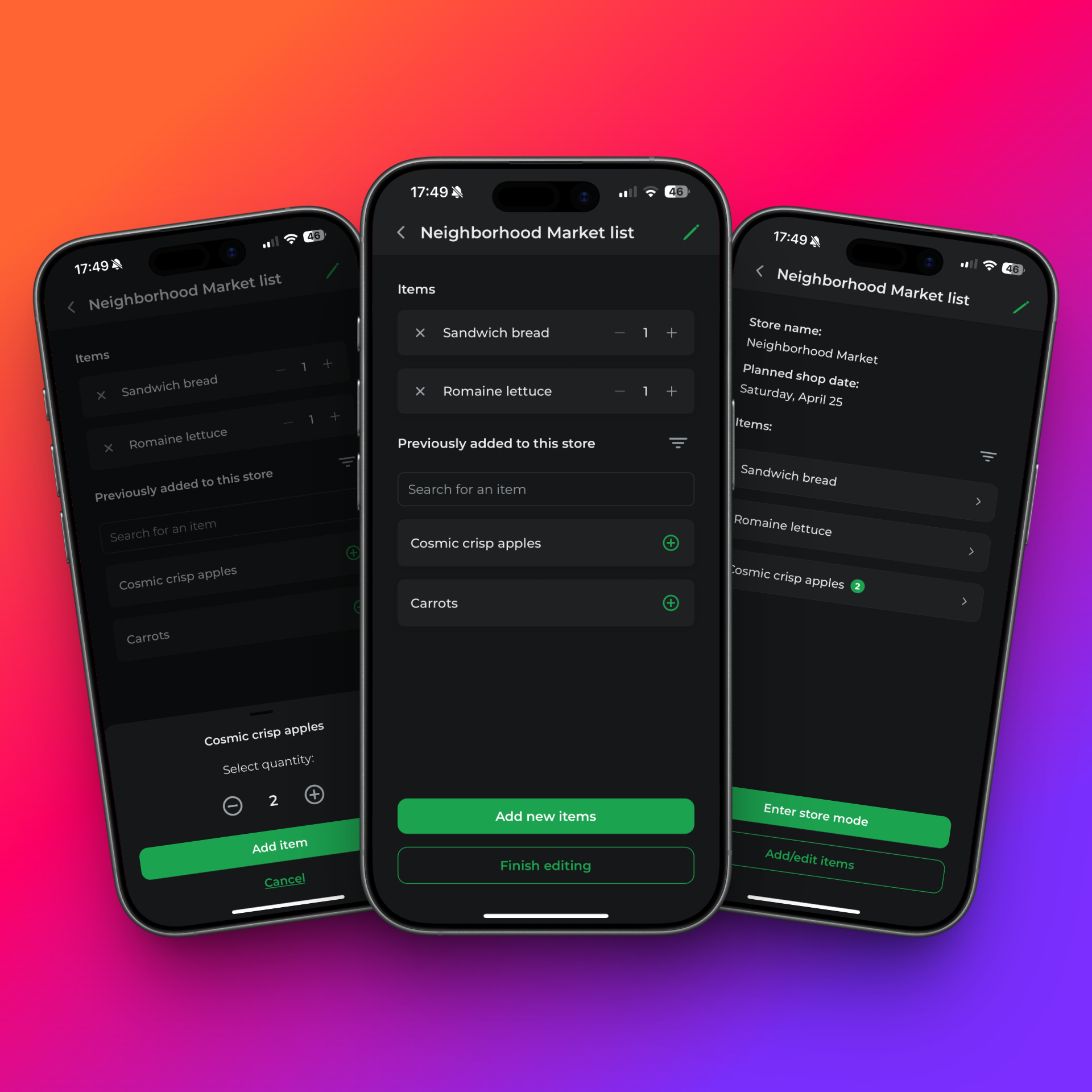
Creating a list in Shoptonio with saved items

Simpler shopping trips

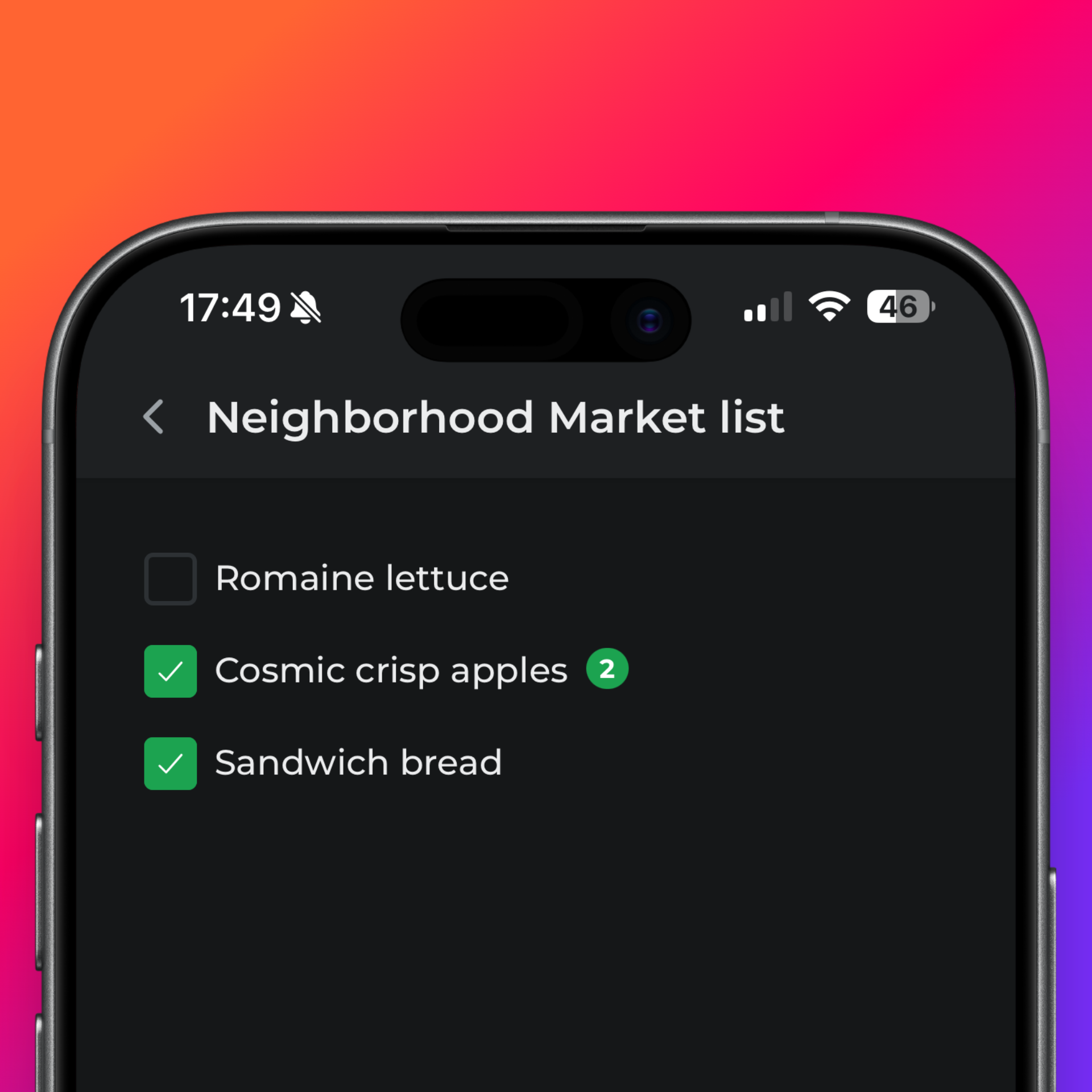
A focused view for your shopping trip: big checkboxes, clear quantities, and a flow meant for one hand.

Store mode strips the noise: check items off as you go, confirm quantities when needed, and close the trip when you’re finished. The list stays live—household updates show up while you shop, so you’re not working from an out-of-date version.

Shoptonio store mode while shopping

From “which store?” to “got it”

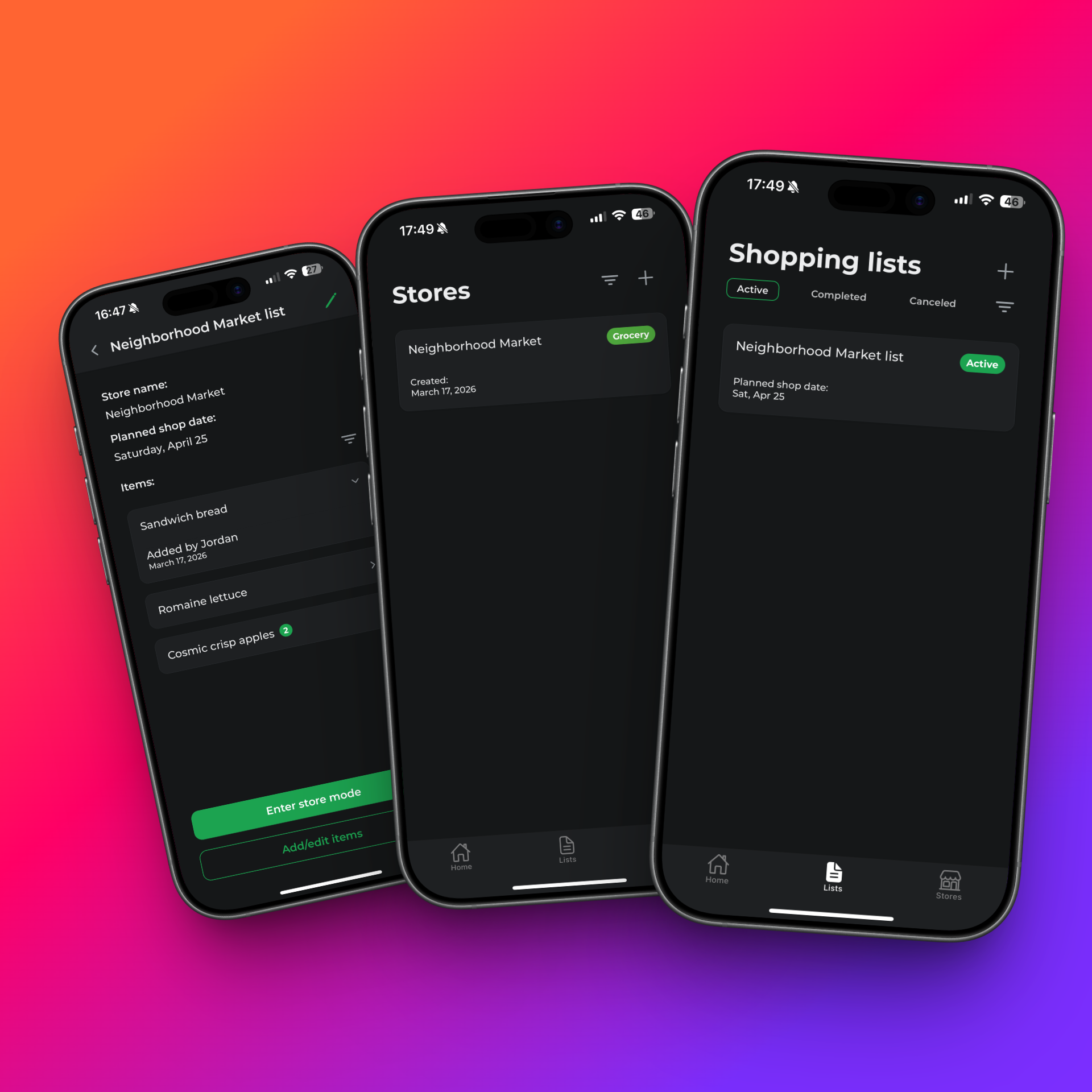
Lists belong to stores. Each list has a detail view for planning and editing; Store mode is for executing. You always know whether you’re planning the run or running it.

Shopping lists are tied to stores, so context stays obvious. List details are where you plan and adjust; Store mode is where you execute. It’s the same shared data underneath—with a view that matches whether you’re planning the trip or shopping it.

List overview and organization in Shoptonio